
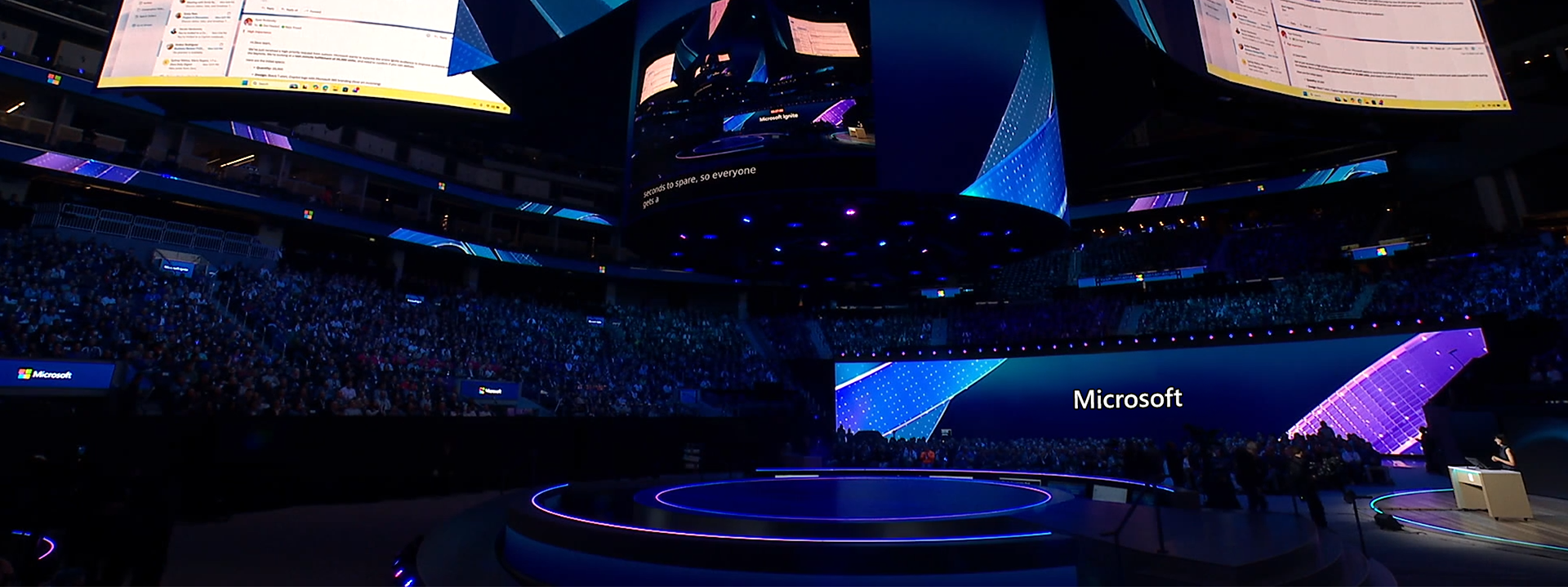
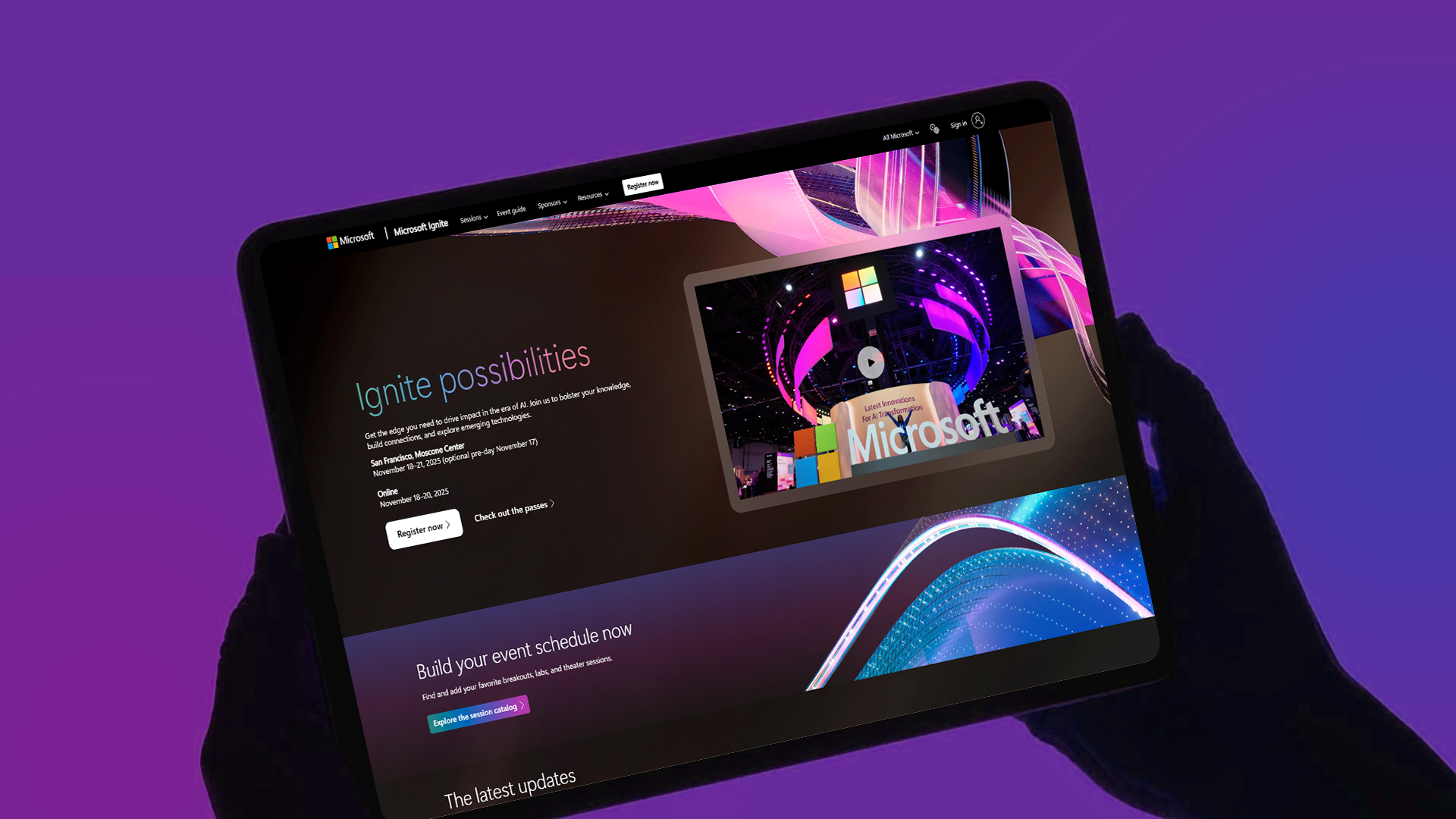
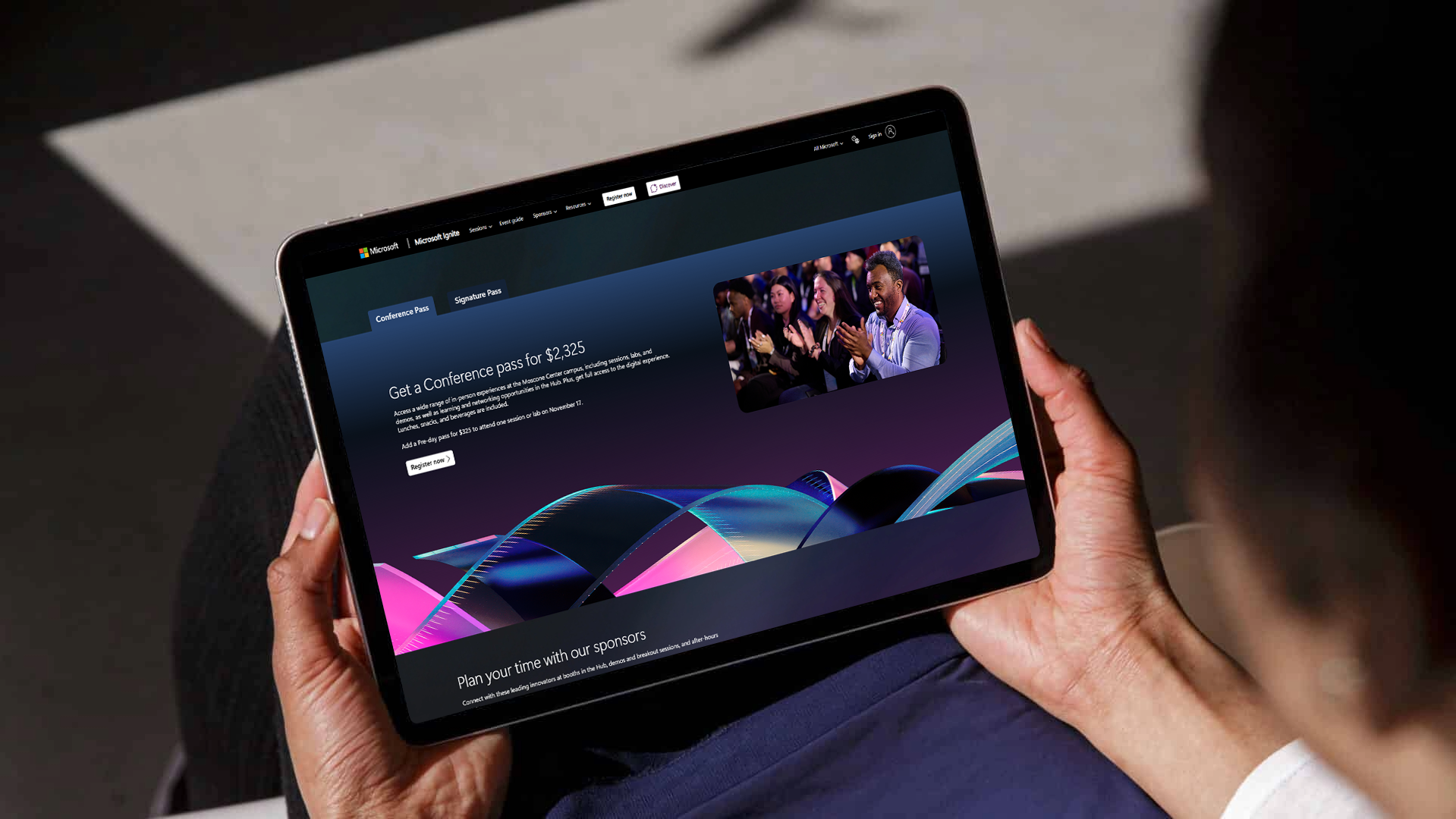
The Microsoft Events website is essentially a central hub for discovering, registering for, and participating in Microsoft-hosted events. These events can be digital, in-person, or hybrid and target different audiences such as developers, IT professionals, partners, educators, and business leaders. These events focus on learning about new products or features, engaging customers and partners, generating leads and adoption and implementation strategies. In-person attendees have a opportunity to talk with Microsoft experts as well as building community and professional networks.
The Problem
Microsoft Events can host 800+ sessions across multiple tracks, making it difficult for attendees to quickly discover relevant sessions and build schedules. Some of the key challenges was content overload and fragmented planning tools.
Context Users
Primary user
• Attendees
• Digital Attendees
• Unauthenticated
• Attendees
• Digital Attendees
• Unauthenticated
Constraints
• Meeting accessibility standards (WCAG 2.2)
Key Insights
Insights 1
Users want quick decision signals.
Insights 2
When multiple sessions occur at the same time, users must evaluate and choose between competing sessions, which increases decision fatigue and makes schedule planning harder.
Insights 3
Different user attend for different reasons.
• Developers - Technical deep dives
• Executives - Strategy and innovation
• IT admins - Implementation guidance
Users want quick decision signals.
Insights 2
When multiple sessions occur at the same time, users must evaluate and choose between competing sessions, which increases decision fatigue and makes schedule planning harder.
Insights 3
Different user attend for different reasons.
• Developers - Technical deep dives
• Executives - Strategy and innovation
• IT admins - Implementation guidance
Solution
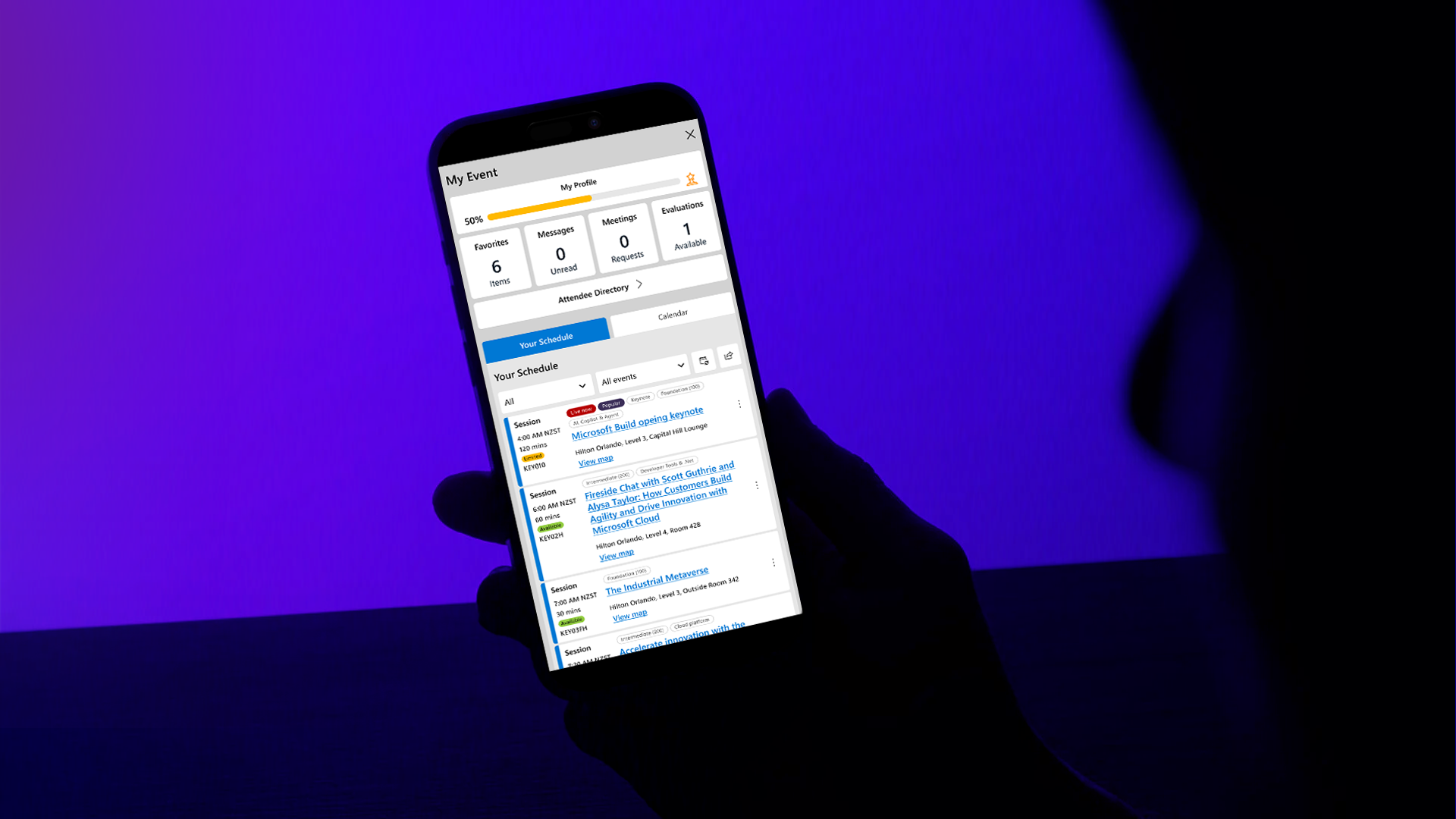
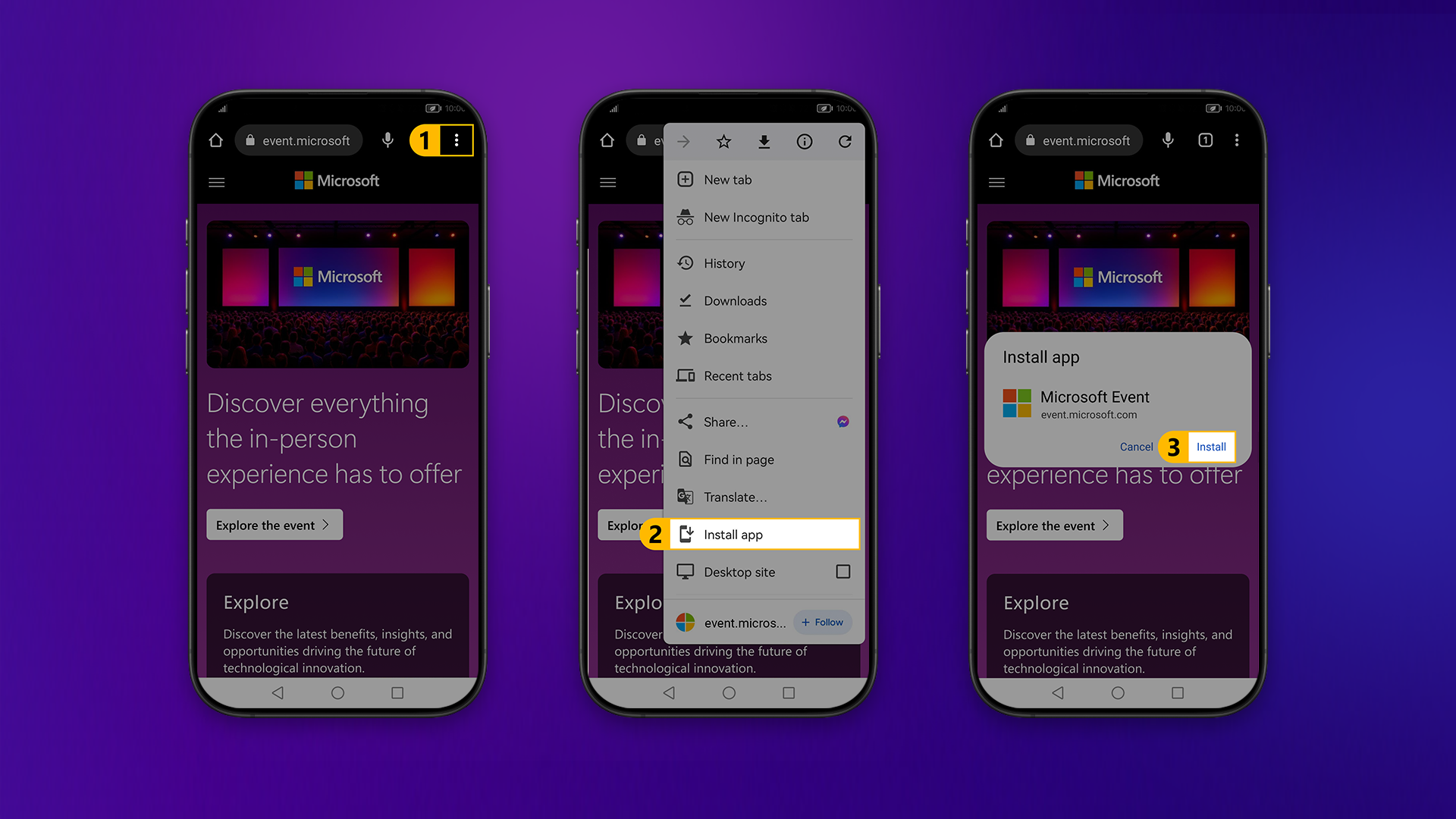
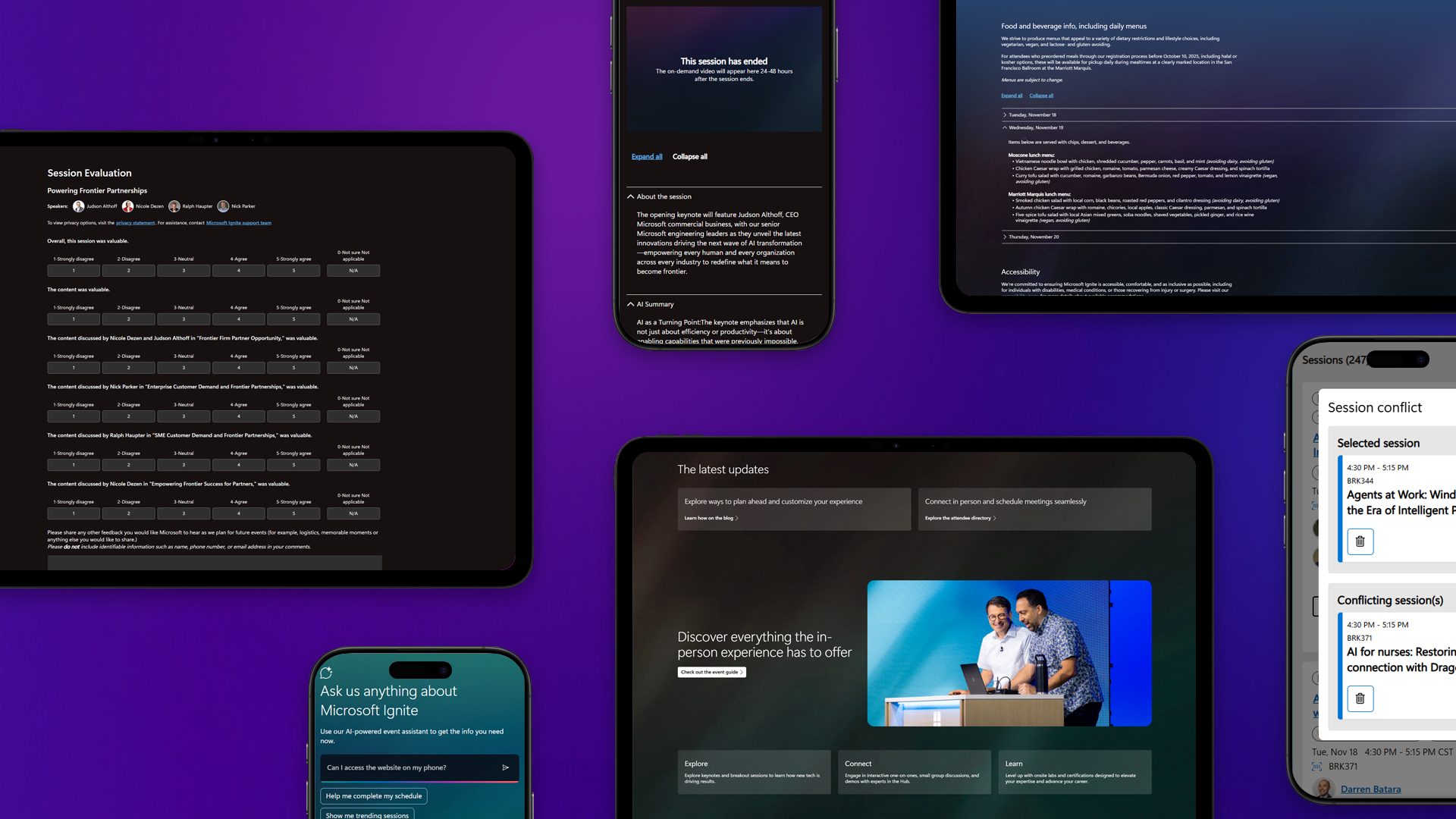
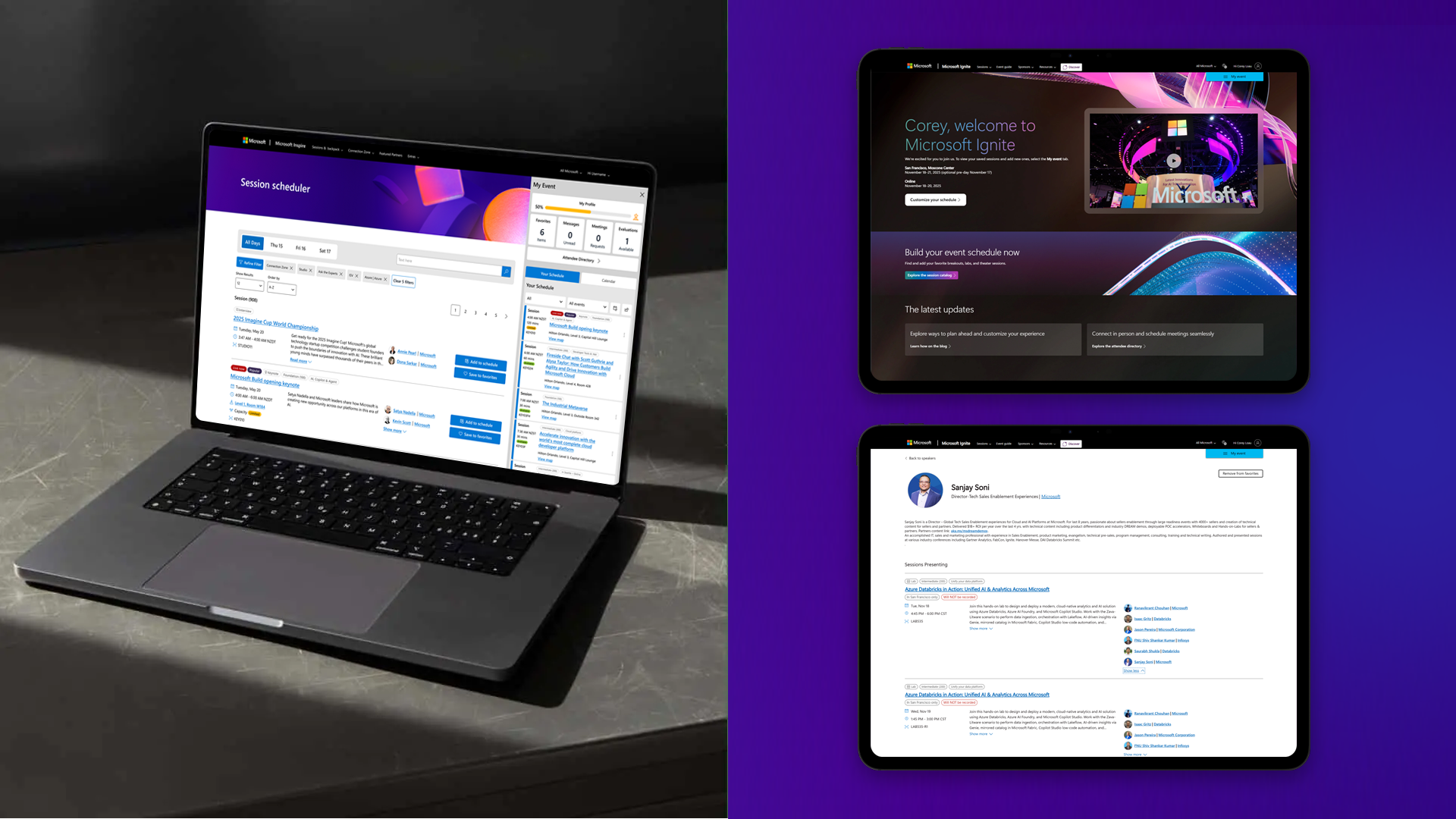
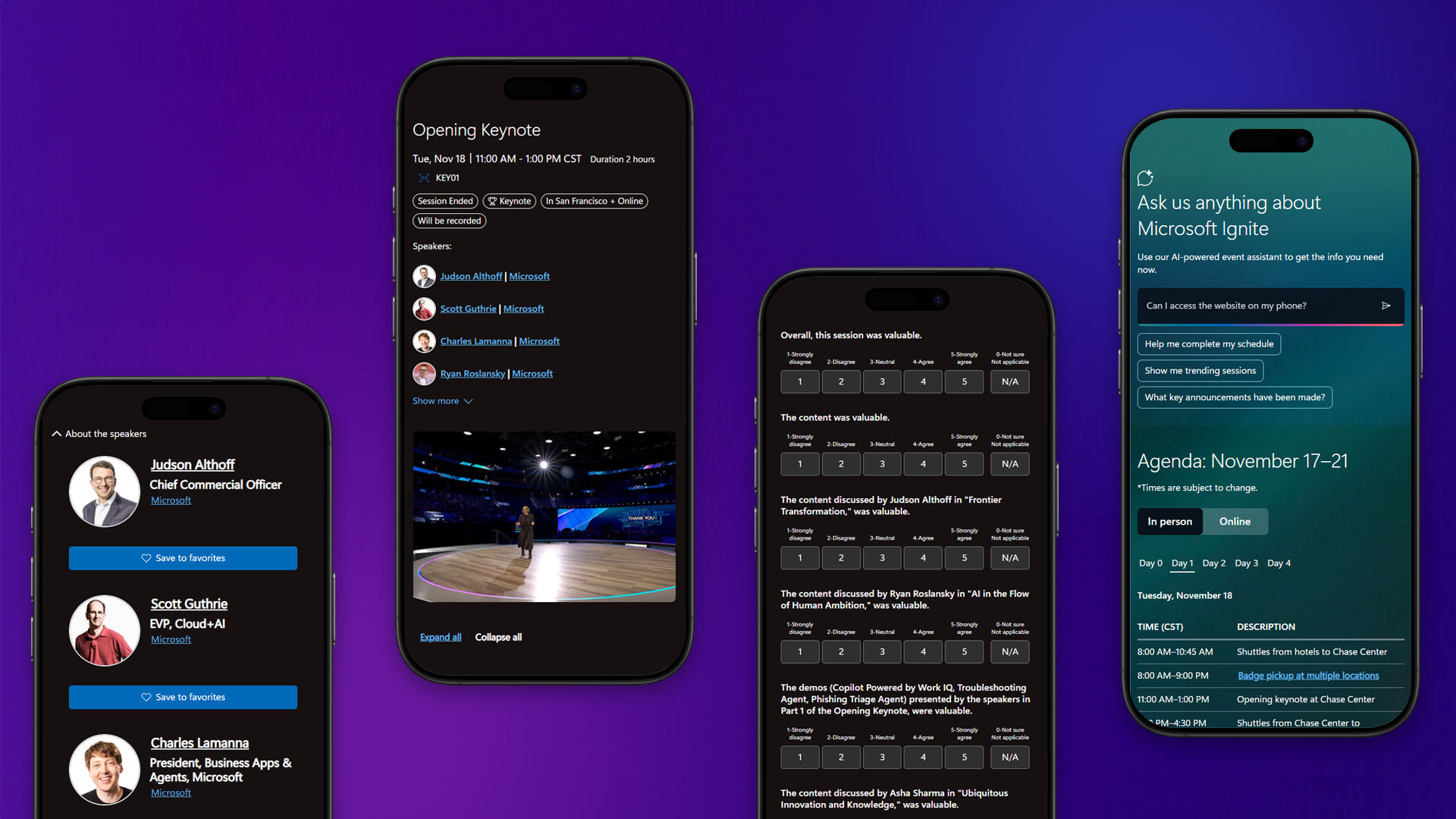
Designing a PWA solution for consistency across multiple devices users had the same experience if they were a digital or an in-venue attendees. By created and improving a schedule builder to help user plan schedules faster, Add filters and session tags to cards for improved discoverability.
Impact
Customization is key. Letting the attendees follow their interests by offering an array of high-quality options with the freedom and flexibility to create their own experience.
• Cards used more screen space but improved discoverability.
• Clearer visual hierarchy.
• Integrated planning tools.
• Clearer visual hierarchy.
• Integrated planning tools.
Reflection
A custom tool that allowed users to save sessions to a scheduler also produced problems with overlap sessions. Alerting the attendee that there was a conflict did not present the user with a way for them to make an informed decision or which session was conflicting or options to amend the issue.
A conflict manager was also required to be created to help user make an additional informed decision.
A conflict manager was also required to be created to help user make an additional informed decision.